

Creality Ender 3 V3 SE 3D Printer 250mm/s Auto Leveling Fast Sprite Direct Extruder PLA PETG TPU Stable
Creality Ender 3 V3 SE 3D Printer 250mm/s Auto Leveling Fast Sprite Direct Extruder PLA PETG TPU Stable
Sale price$199.00
Choose options
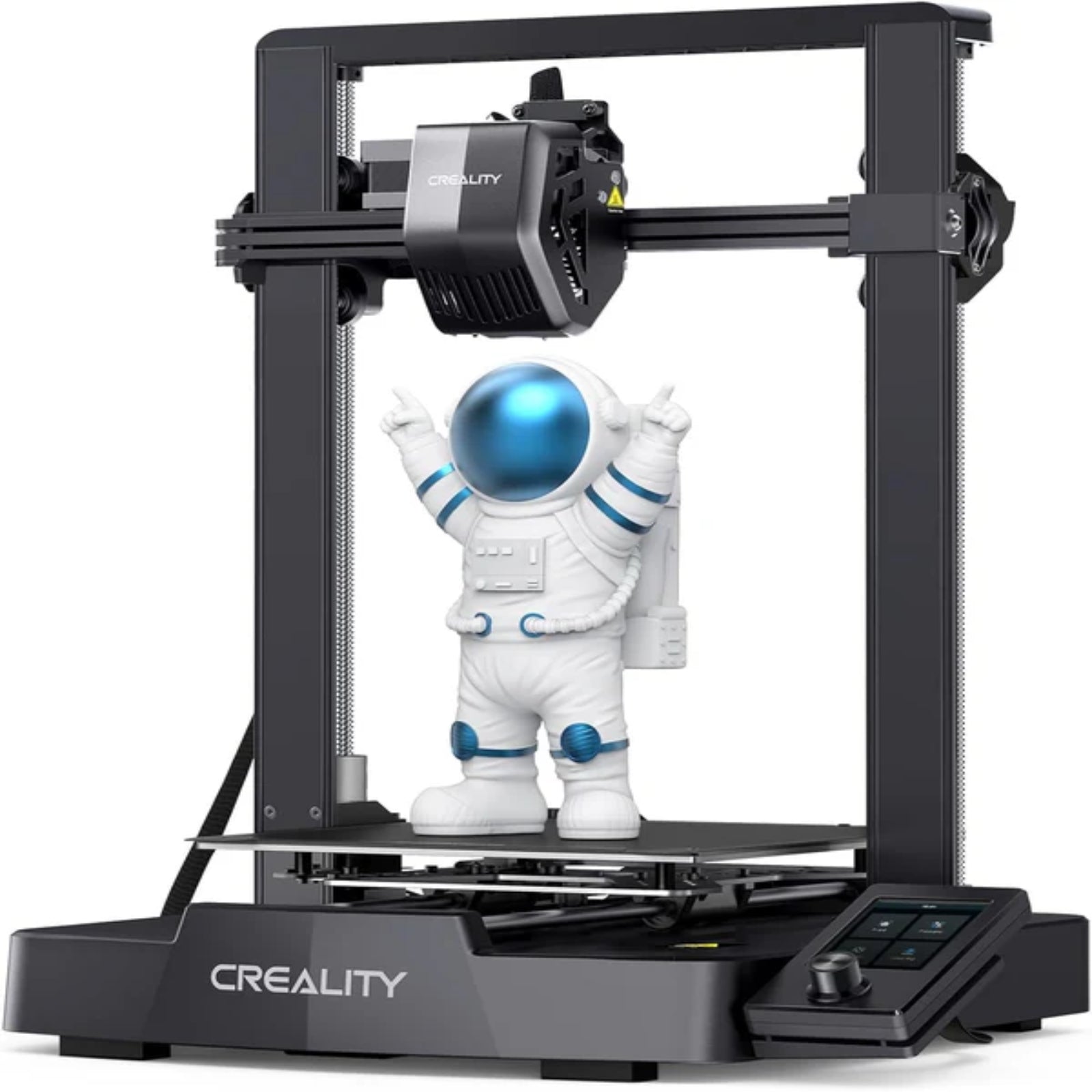
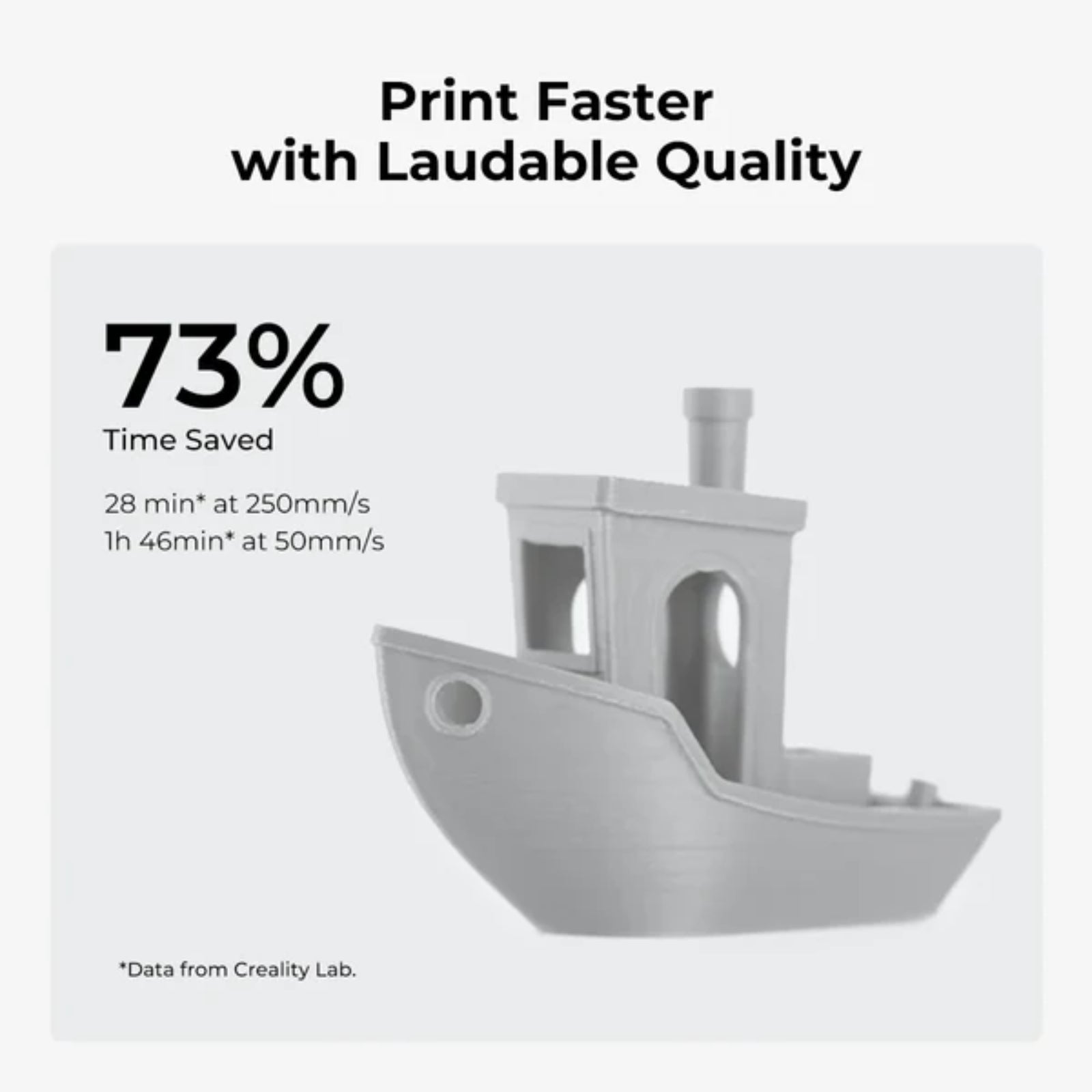
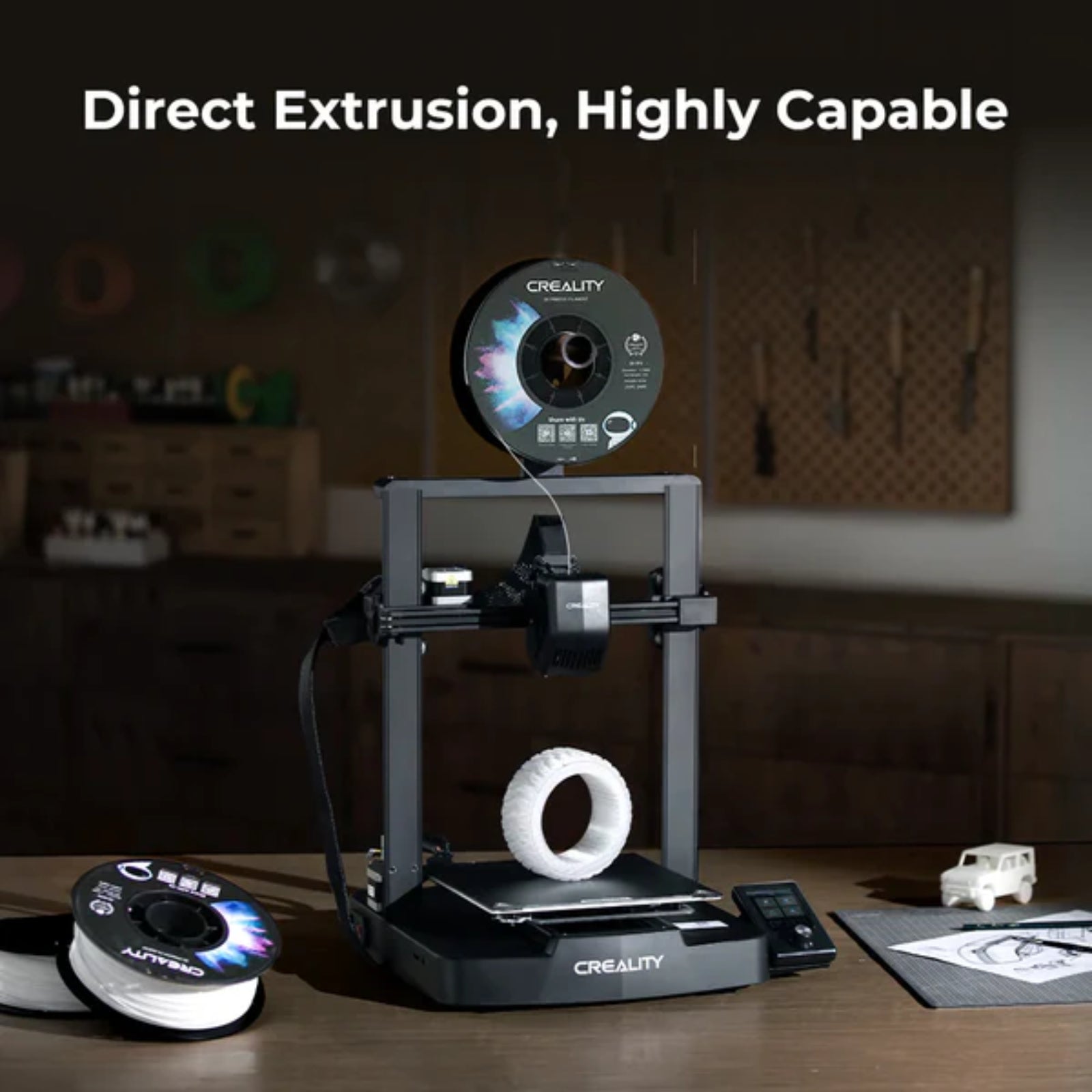
The Creality Ender-3 V3 SE 3D Printer is a modern, high-speed printer designed to deliver precision, reliability, and ease of use. With a maximum printing speed of 250 mm/s and advanced features like CR Touch auto-leveling and automatic Z-offset, it ensures accurate and consistent prints every time. Equipped with the powerful Sprite direct extruder, it supports a wide range of materials, including PLA, PETG, and TPU. Its dual Z-axis structure and मजबूत frame design provide enhanced stability, while the compact and elegant build makes it suitable for both beginners and experienced users.
Specifications
- Model: Ender-3 V3 SE
- Build Volume: 220 × 220 × 250 mm
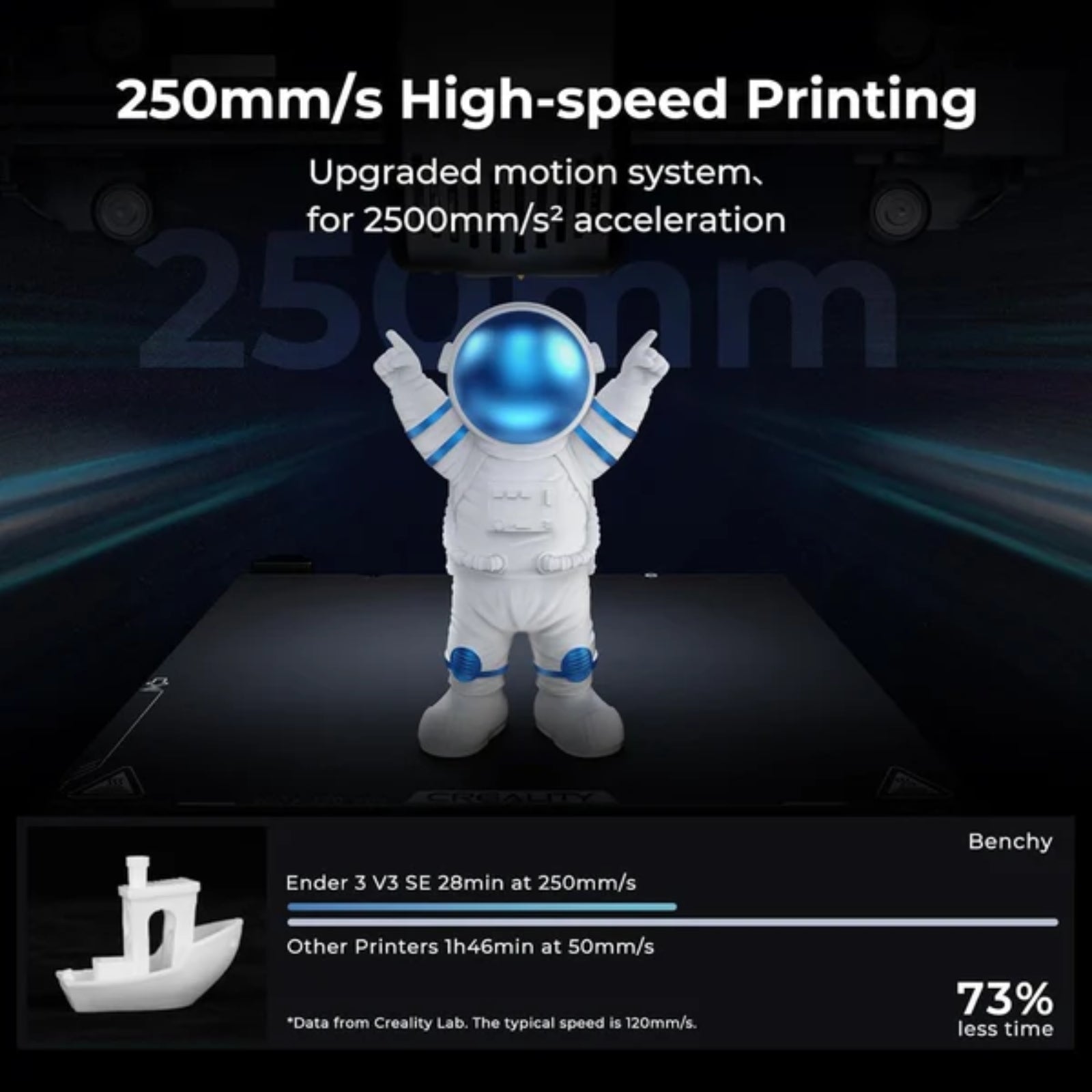
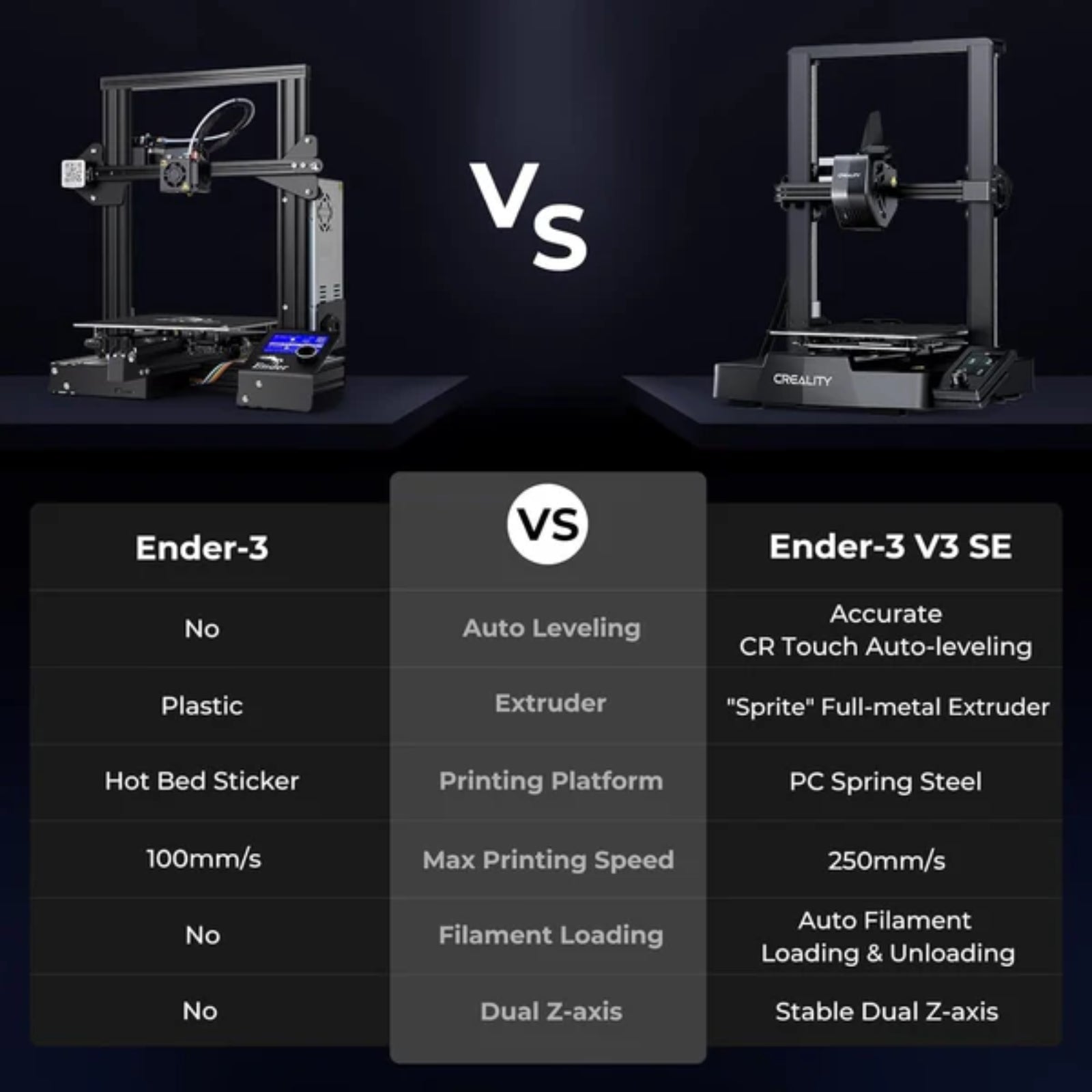
- Max Printing Speed: 250 mm/s
- Max Acceleration: 2500 mm/s²
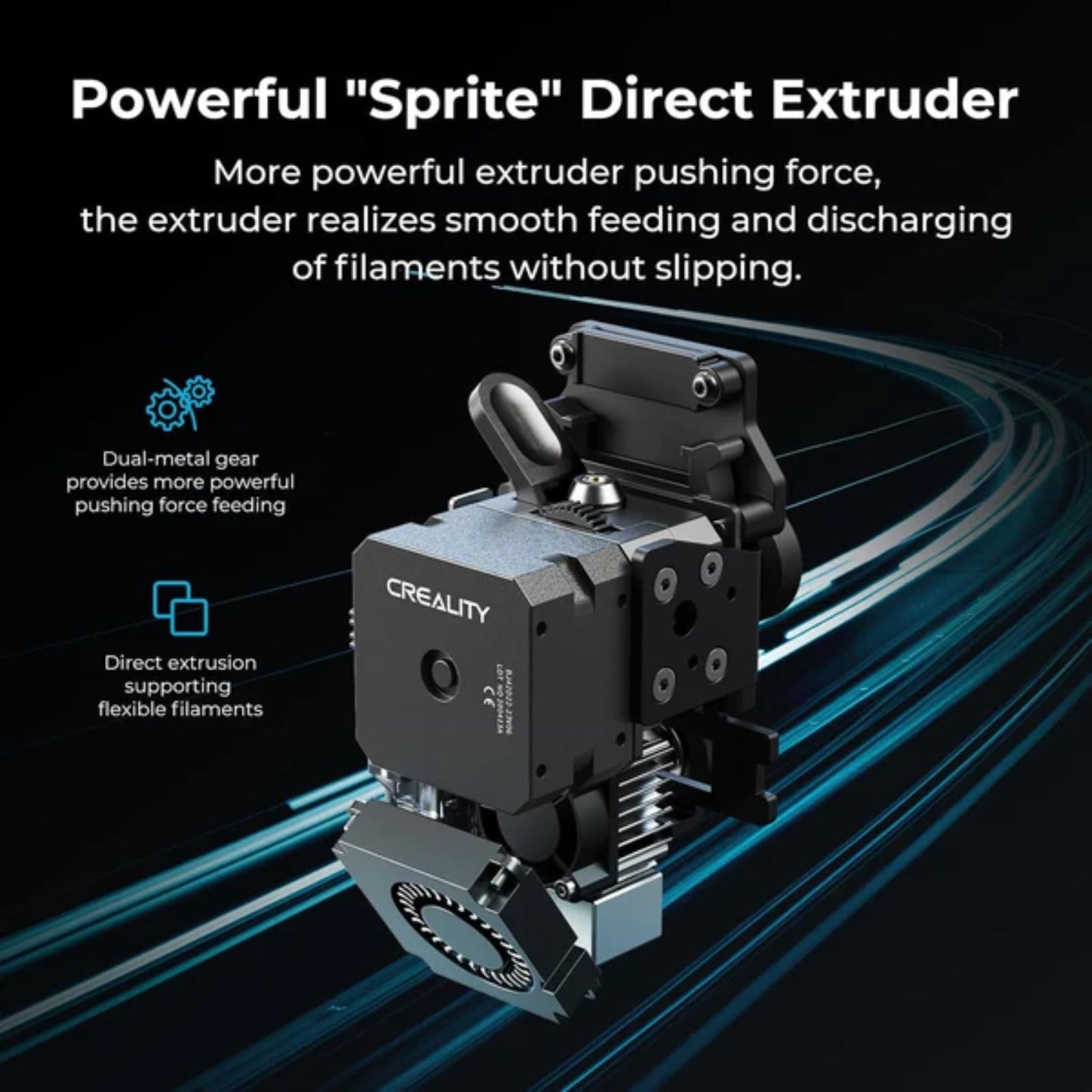
- Extruder Type: Sprite Direct Drive Extruder
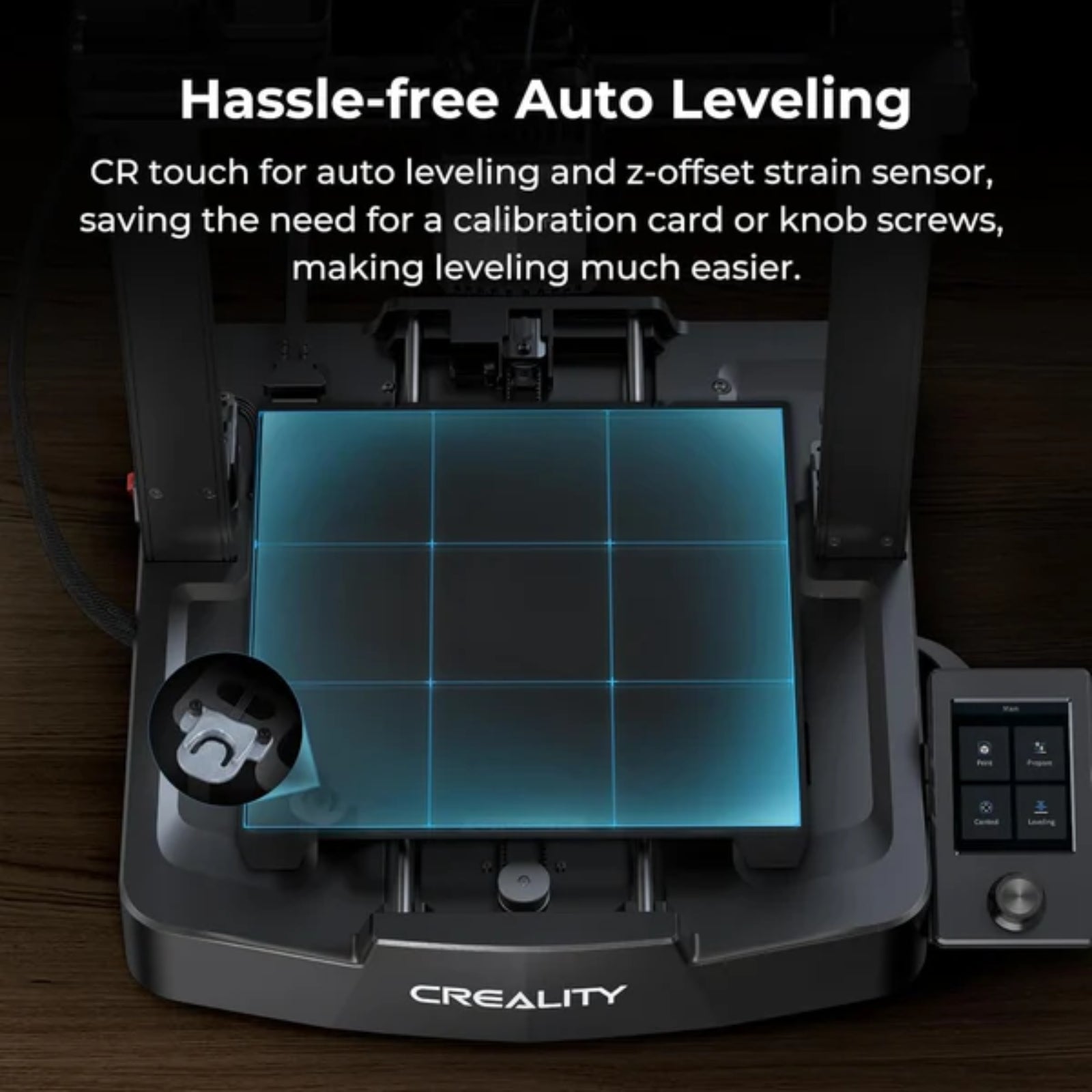
- Auto Leveling: CR Touch Auto Leveling
- Z-Axis: Dual Z-axis
- Filament Support: PLA, PETG, TPU
- Display: Color screen
- Frame Structure: T-shaped profiles with steel linear shafts
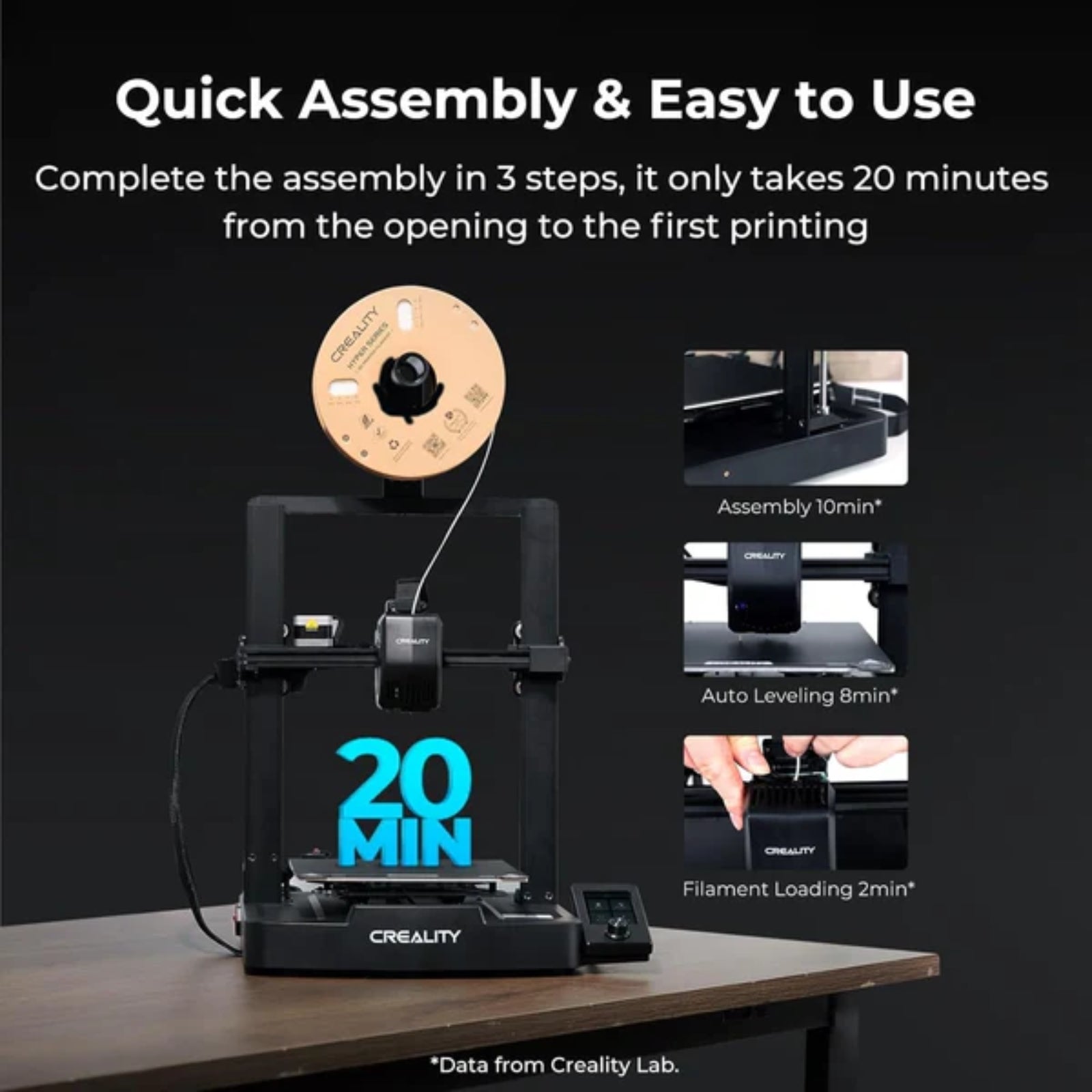
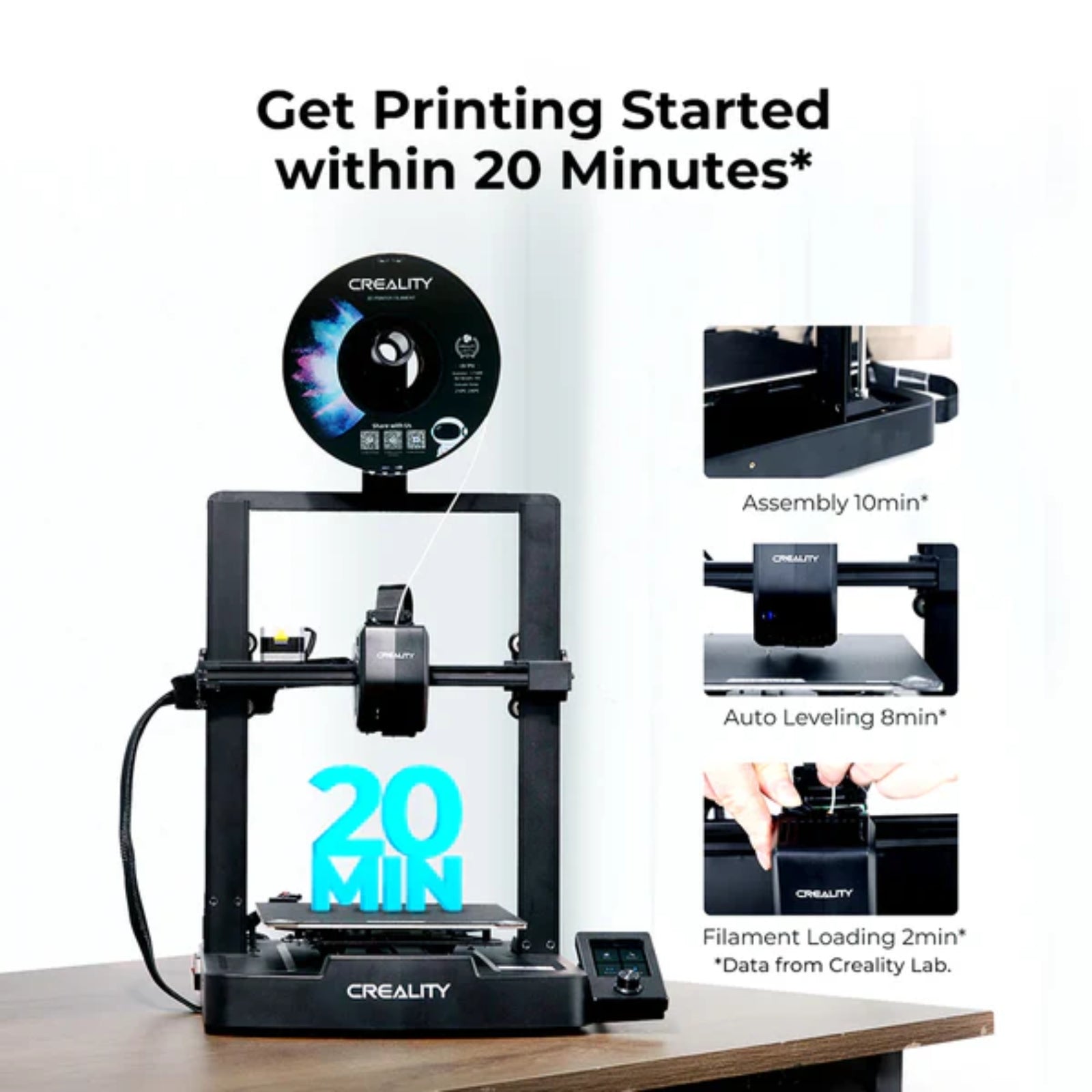
- Assembly Time: حوالي 20 minutes (fast setup)
Features
- High-Speed Printing: Achieves up to 250mm/s for faster production
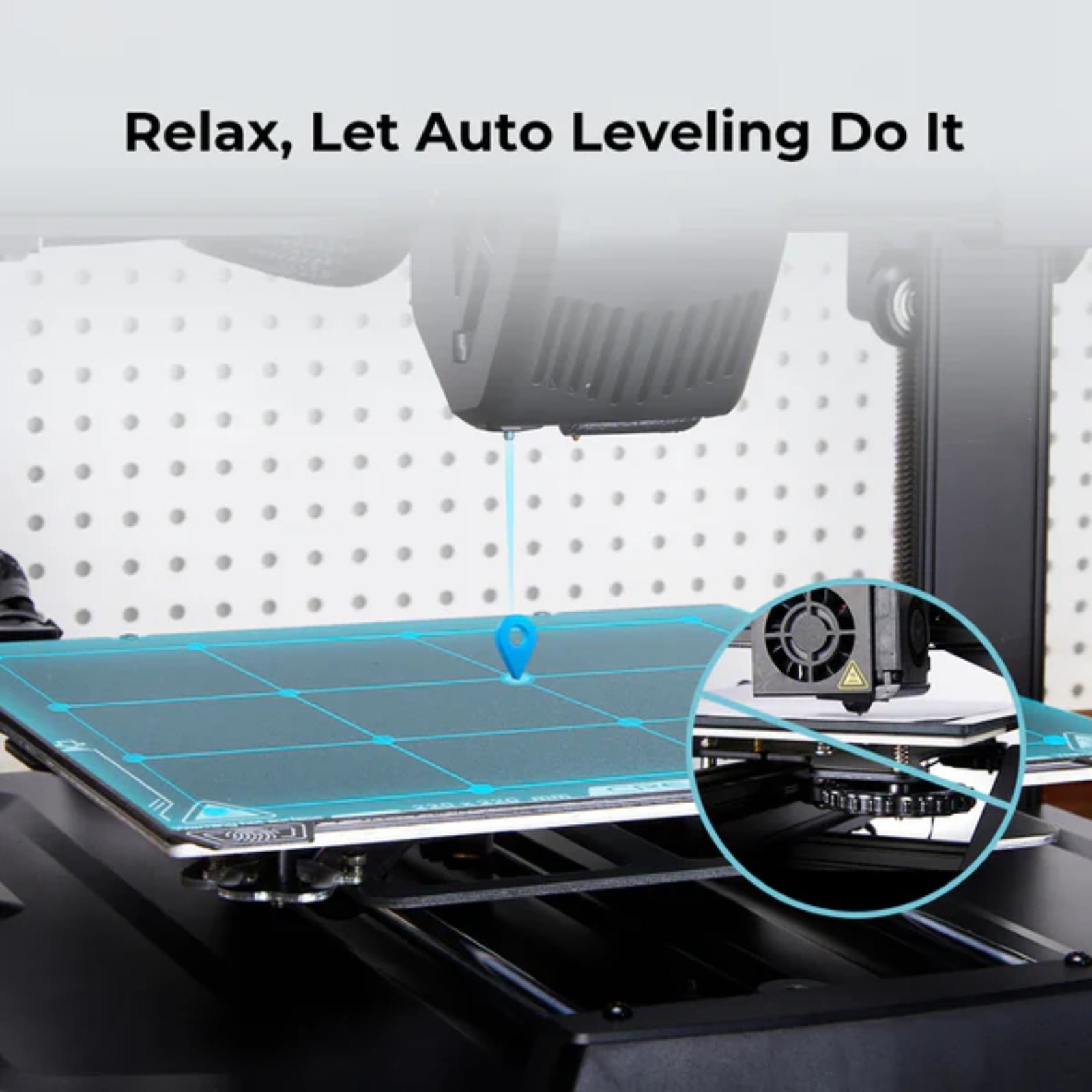
- CR Touch Auto Leveling: Ensures precise bed leveling and better first layers
- Auto Z Offset: Automatically adjusts height for accurate printing
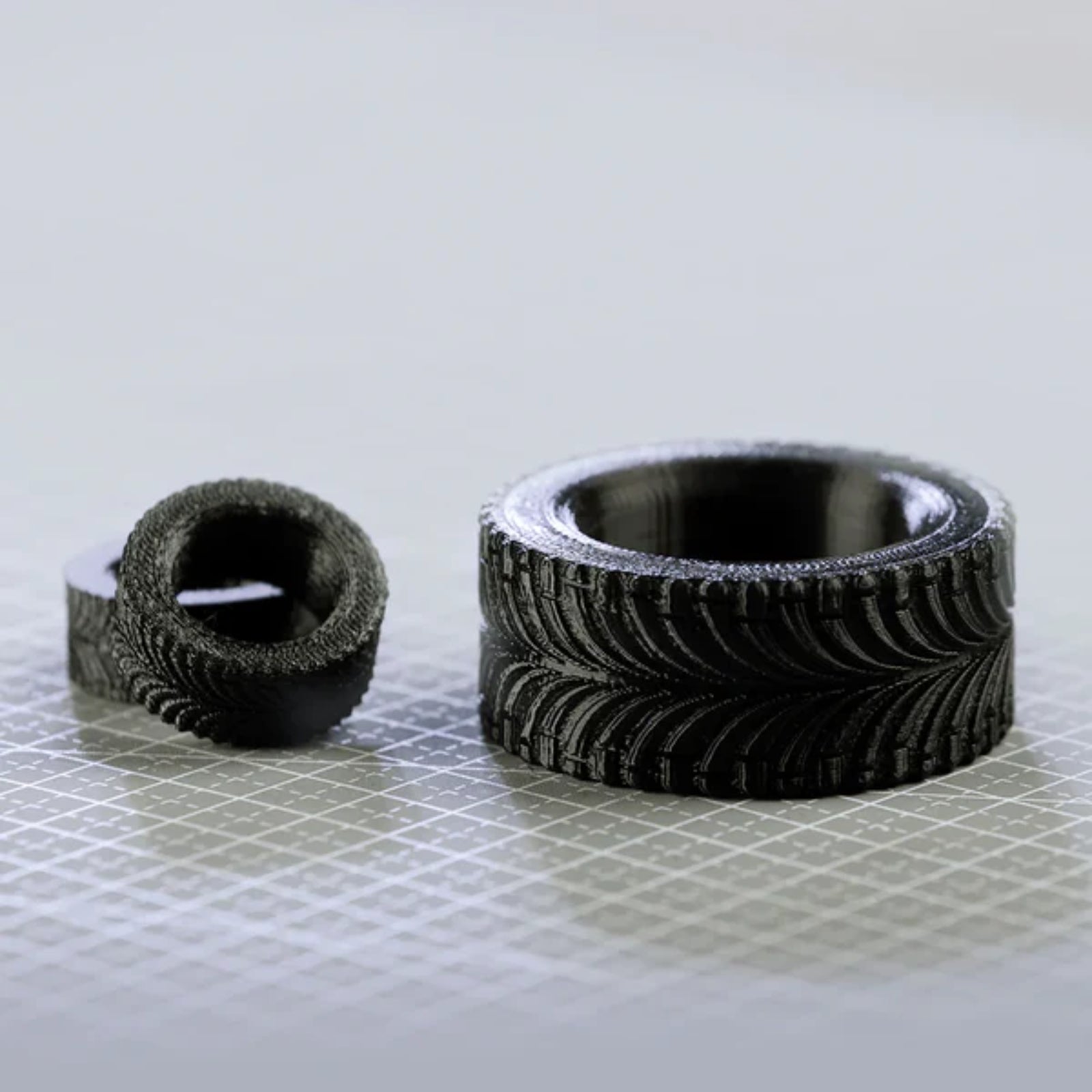
- Sprite Direct Extruder: Handles multiple filament types including flexible TPU
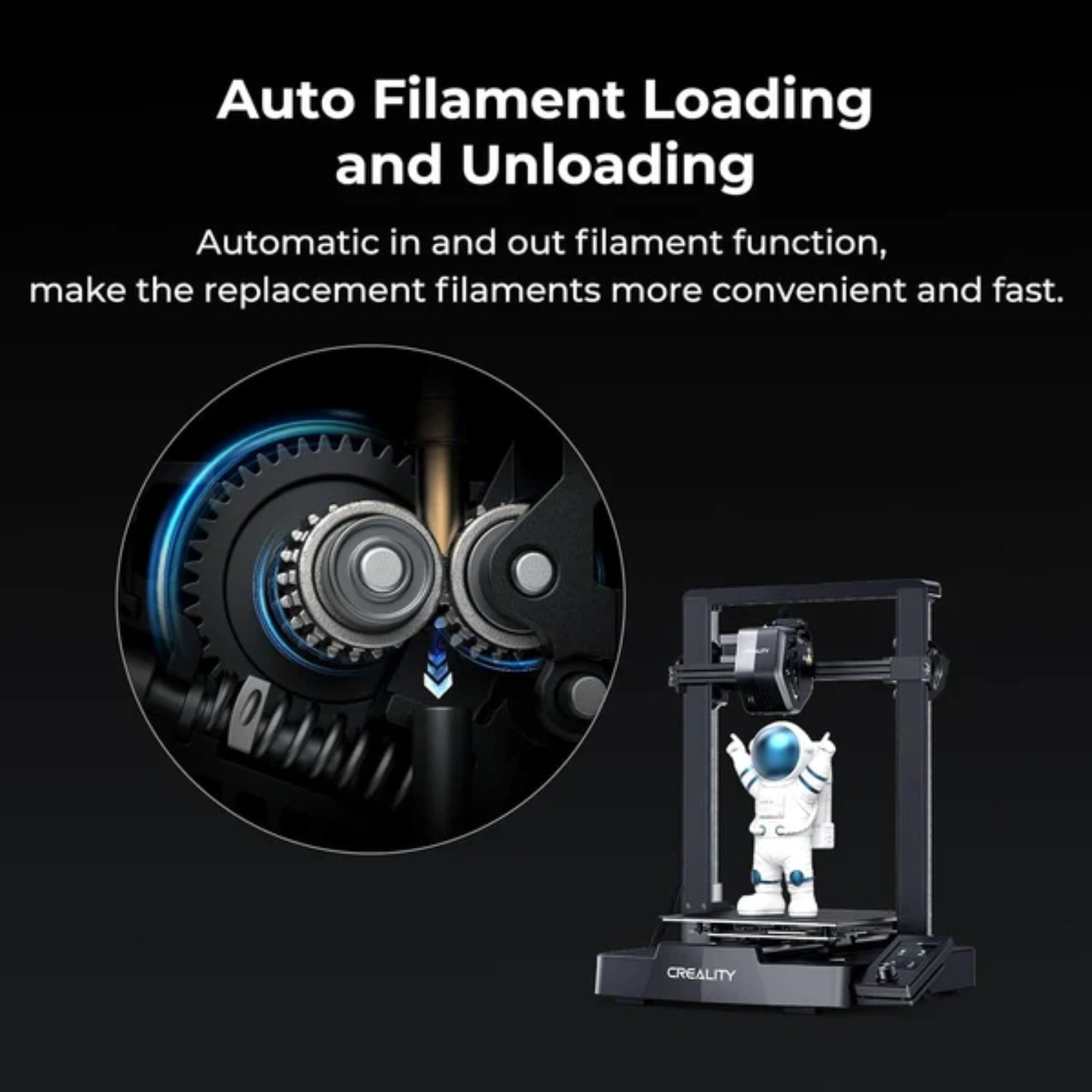
- Auto Filament Load/Unload: One-tap extrusion and retraction for easy filament changes
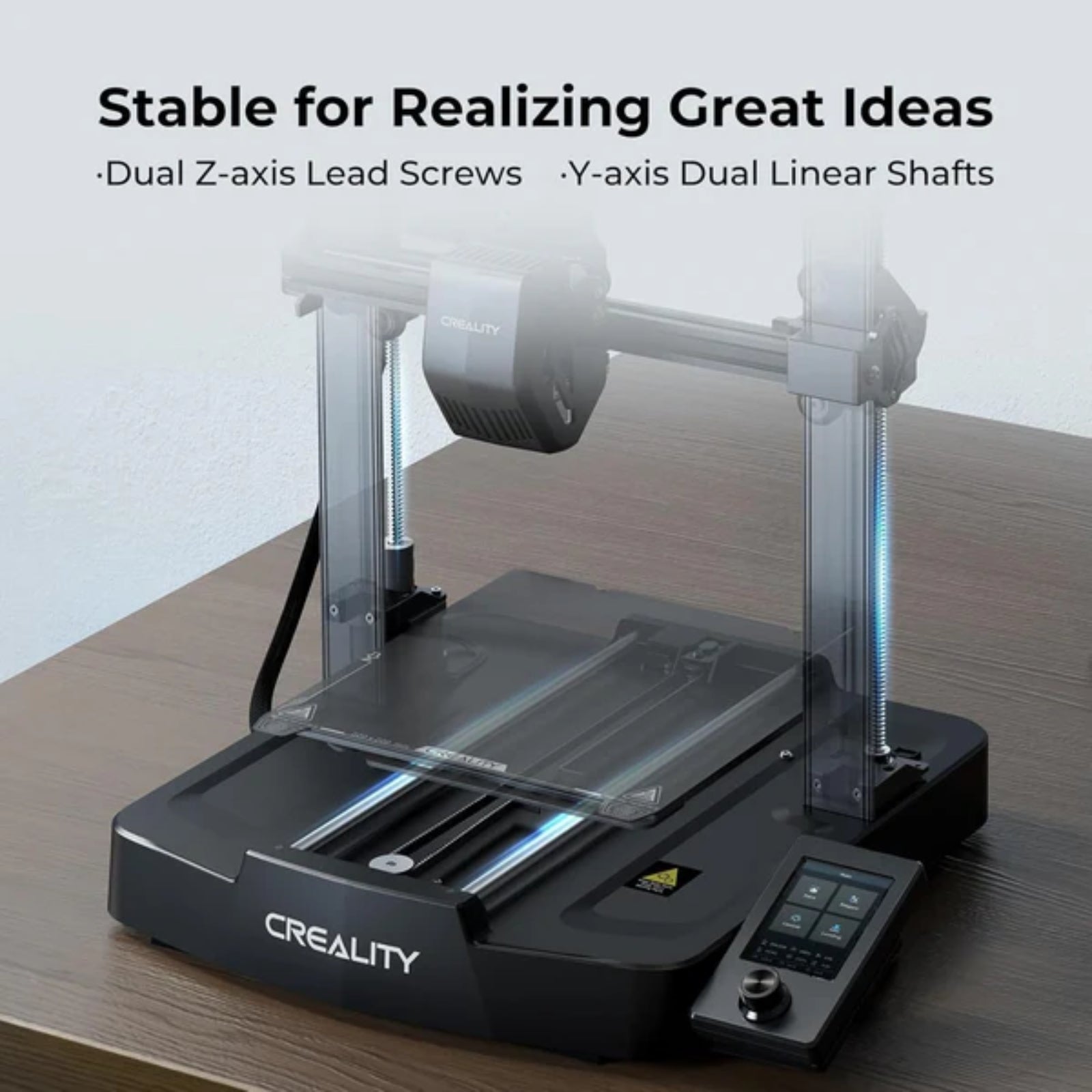
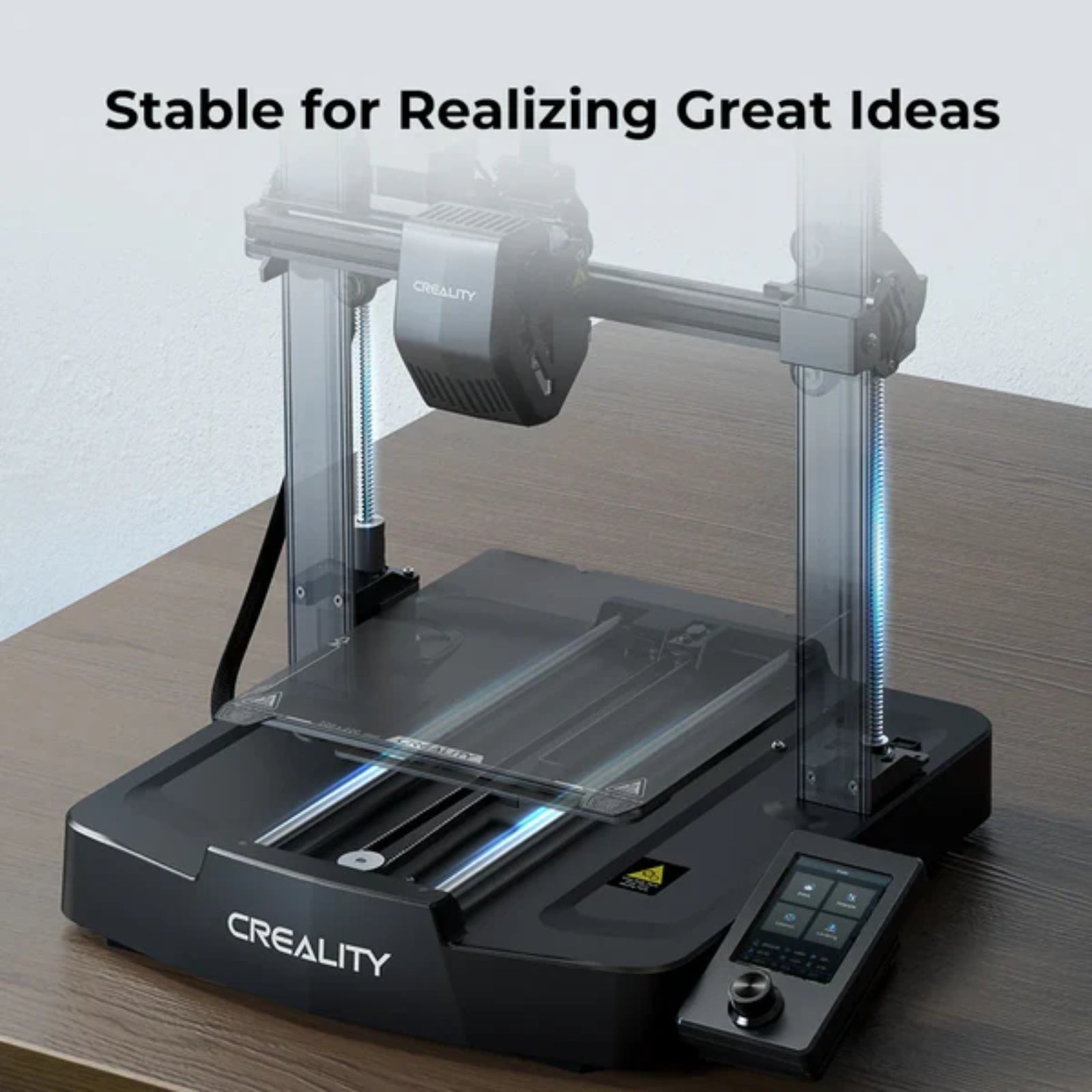
- Dual Z-Axis Stability: Reduces wobbling and improves print quality
- Fast Setup: Ready to print within 20 minutes
- Strong Build Quality: 8mm steel linear shafts for durability and stability
- Compact & Elegant Design: Clean structure with modern aesthetics
- Improved Performance: Upgraded over Ender 3, Pro, V2, Neo, and V2 Neo models
Maintenance
- Regularly clean the nozzle and print bed for consistent results
- Lubricate Z-axis lead screws and moving parts periodically
- Keep firmware updated for optimal performance
- Check belt tension and tighten if necessary
- Store filament properly to avoid moisture-related issues
- Ensure proper ventilation and keep the printer dust-free